
01 / Native
Editable Layer Blocks
Frames, text, shapes, paths, and icons arrive as separate objects you can select and restyle.
Pencil to Figma export
Pixel-accurate frames with preserved layout, text, colors, icons, shadows, strokes, and local images from ZIP exports. Not a screenshot — real, editable objects.

By the numbers
What PenFig gives back on every Pencil → Figma handoff.
Features
PenFig preserves the parts teams actually need to keep working in Figma: structure, styling, assets, and local control.
01 / Native
Frames, text, shapes, paths, and icons arrive as separate objects you can select and restyle.

02 / Assets
Local images referenced by Pencil come through as Figma image fills when imported with the asset folder.

03 / Offline
The plugin imports inside Figma. Your .pen file is not sent to a conversion server.
Pricing
Start with 2 free imports. When you are ready, unlock unlimited imports with a one-time lifetime license.
No subscription. Offline license verification.
The plugin
From the first drop to a licensed install — every state is handled inside Figma.
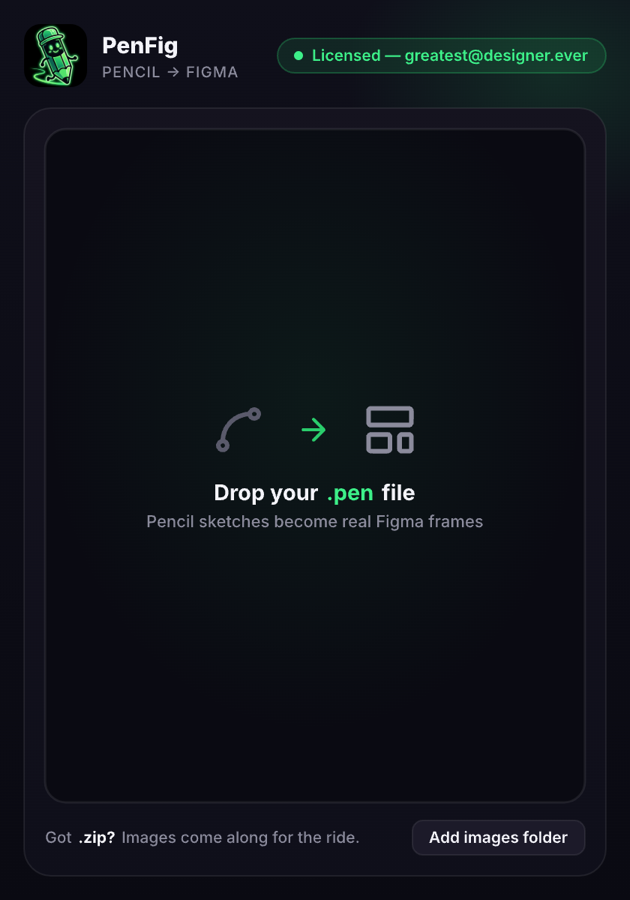
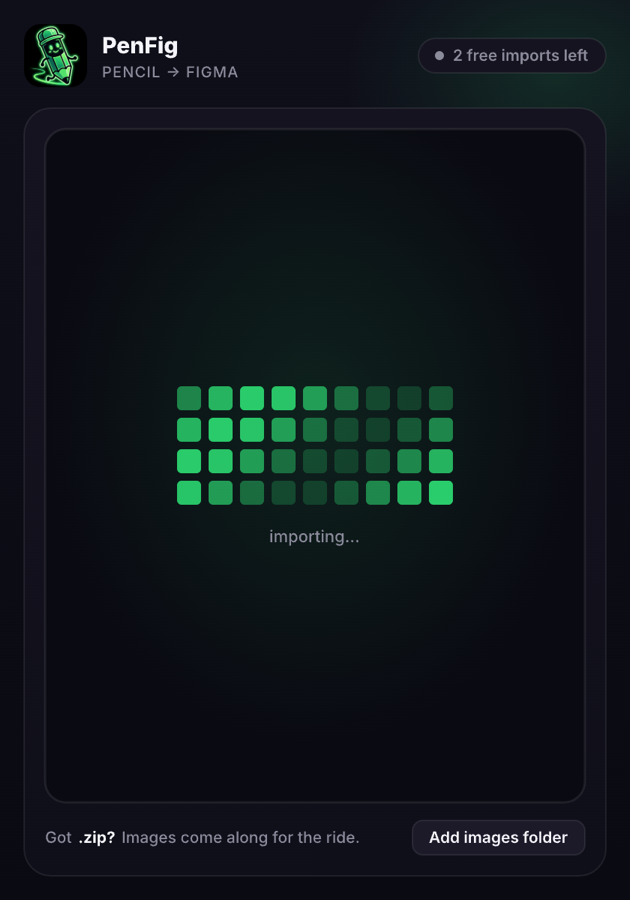
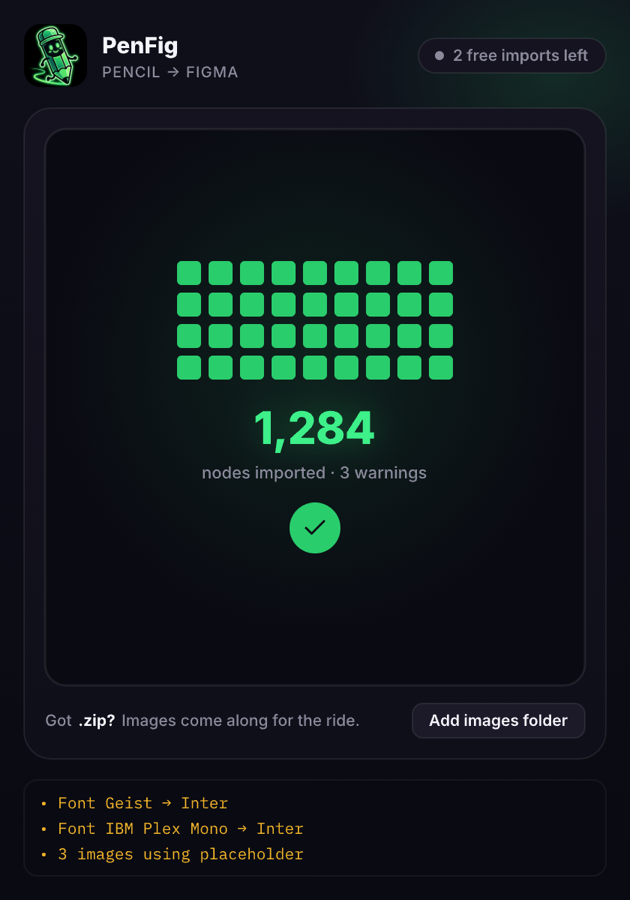
Drop → Importing → Done · every state lives inside Figma
Install PenFig, run your first two imports free, and keep working with real, editable Figma layers.